
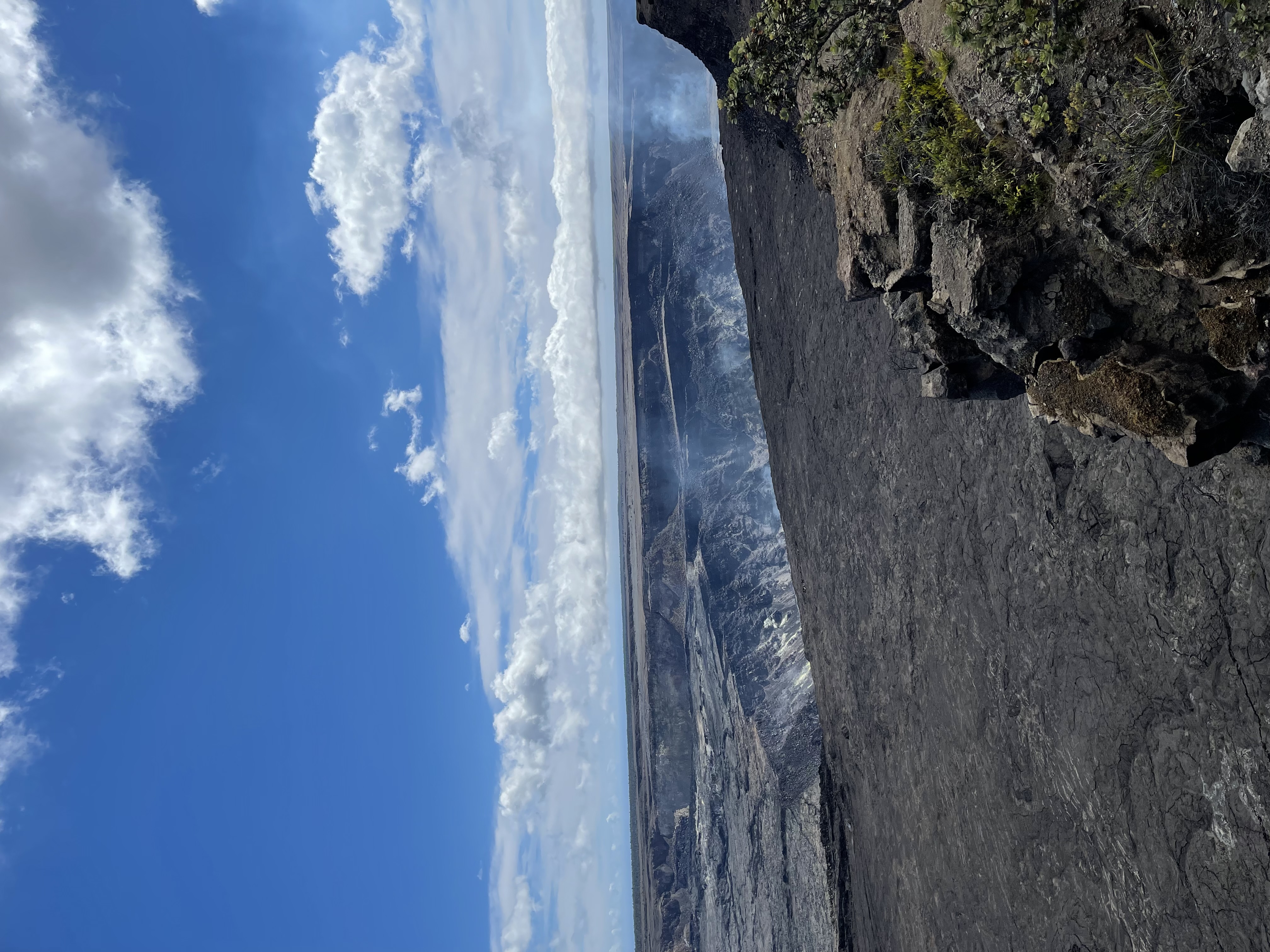
The USGS Hawaiian Volcano Observatory operates a network of live cameras around Kīlauea's summit. They are the single best free planning tool for anyone trying to see lava on the Big Island. This guide breaks down what each cam shows, when to use thermal versus visual feeds, and how to read the picture before you commit to a long drive to the park.
Current Kīlauea status
Official USGS webcams
All credible Kīlauea webcams are run by USGS HVO and hosted at usgs.gov/volcanoes/kilauea/monitoring. The main feeds worth bookmarking:
- V1cam (Halemaʻumaʻu rim, visual): Closest view into the active vent area. The single most-watched feed during an eruption.
- V1cam thermal: Same vantage in infrared. Reads heat through night, vog, and steam.
- KWcam (Kīlauea Overlook west): Wider angle on the caldera with the south wall in frame.
- B1cam (Byron Ledge): Eastern view across the caldera, useful when activity is on the west side of Halemaʻumaʻu.
- S2cam (Sand Hill): Wide panorama for context.
Which cam to check, when
- Quick check before driving over: V1cam thermal. If you see bright pixels in the vent, lava is on the surface.
- Daylight planning: V1cam visual plus KWcam. Look for a visible plume, fountain, or shimmering lake.
- After dark: Thermal cams first, then visual. Visual often shows a strong glow even when the camera looks otherwise black.
- During heavy vog: Thermal cams. Visual cams may be fully obscured even with an active fountain underway.
Thermal vs visual cams
Visual cameras show what the human eye would see from that vantage, which means they are essentially dark at night unless an eruption is producing a strong glow. Thermal cameras read infrared, so they show heat regardless of lighting, weather, or vog. During a summit eruption, a thermal cam will display bright white or yellow at the vent and on any active flow. After an episode ends, the same area dims to red or orange as the surface crusts and cools.
How to read what you are seeing
- Bright white plume rising from the vent: Either an active fountain or strong steaming. Cross-check the thermal cam.
- Reddish glow on the visual cam at night: Active surface lava. The brighter the glow, the more vigorous the activity.
- Dark crater with steam wisps only: Eruption paused or between episodes. Surface lava unlikely.
- Heavy gray-brown haze across the entire frame: Vog. Switch to thermal to confirm whether the vent is hot.
After the cam: planning a visit
Use the webcam to confirm activity, but commit based on the day's official USGS HVO update and the park's alerts page. Conditions can shift inside a single afternoon. For a chauffeured day timed to the after-dark glow, the Private Big Island Volcano Tour handles the timing, the drive, and which overlook is currently open.